

One sign-in and one access list for HPI’s internal apps, on desktop and mobile web.
Company
Hoang Phuc International (HPI)
Role
UX/UI Designer: flows, screens, documentation
Year
2022
Platforms
Desktop and mobile web
Scope
Sign-in, app access, staff accounts, offboarding
Built on
Asgard Design System, in Passport’s yellow and black
Status
Implemented at HPI
Overview
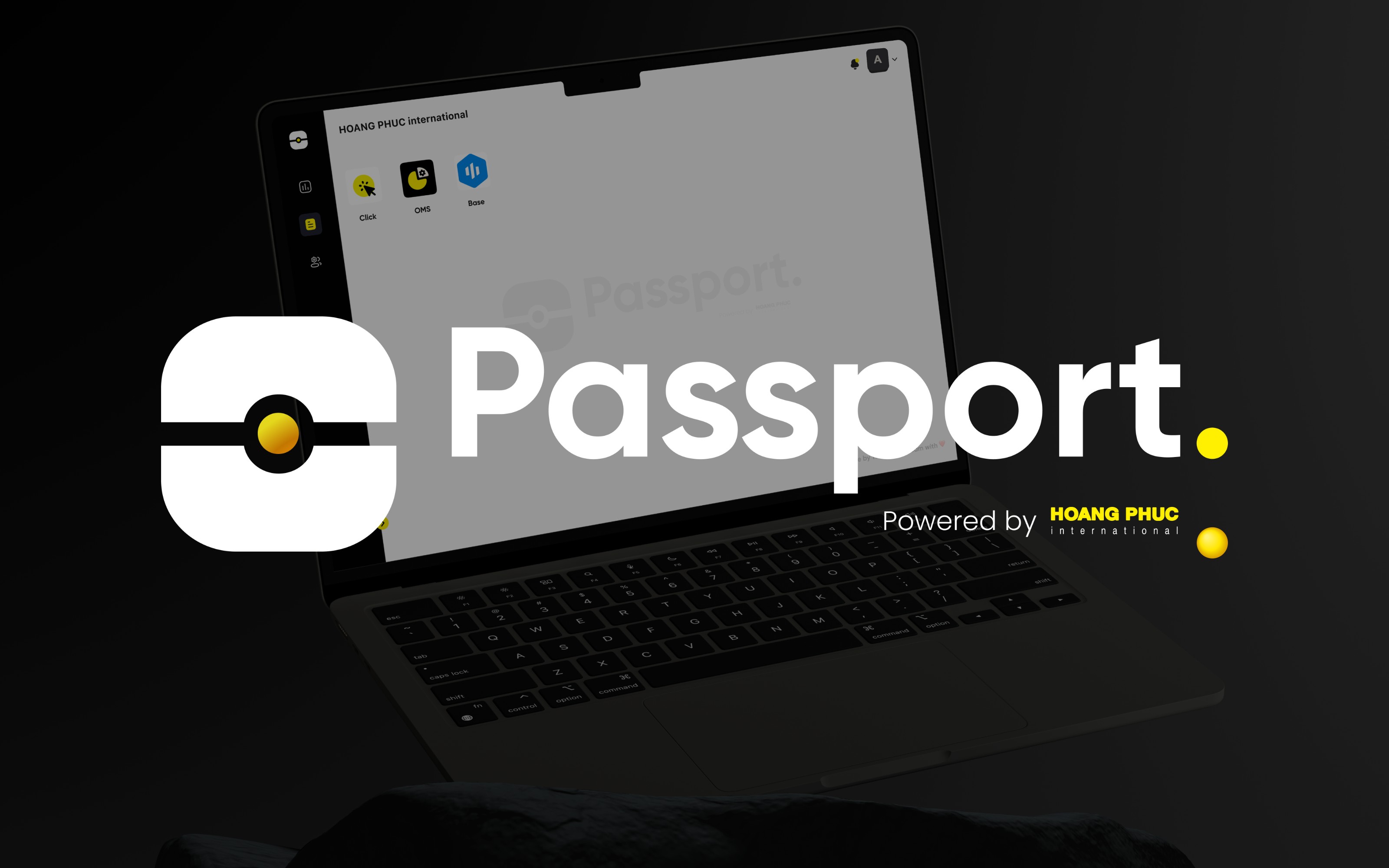
Passport is the sign-in gate for HPI’s internal apps. Staff sign in once with a work Gmail or Outlook account. When an app such as Click POS sends someone to Passport, the page shows which account is active and offers to switch. Admins create staff accounts, choose the apps each person can open, and offboard people in one step, which removes their access to HPI’s systems. I designed the flows and screens for desktop and mobile web, on Asgard in Passport’s own yellow and black.
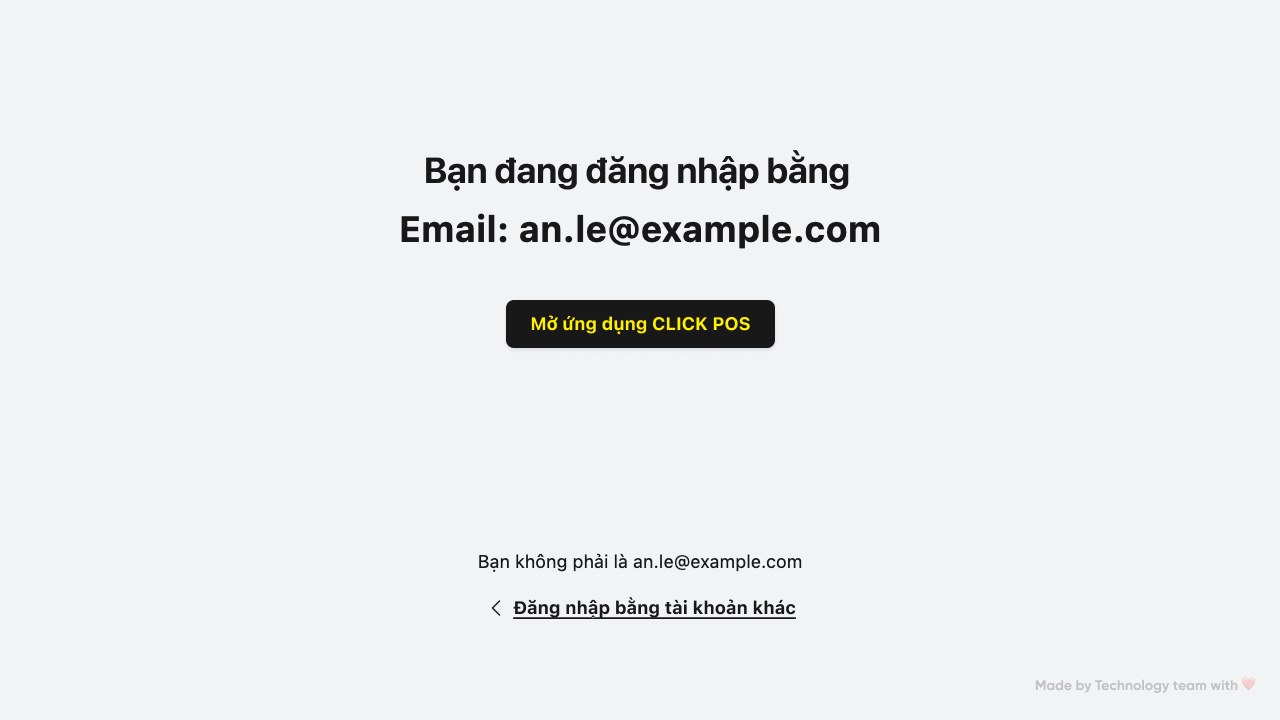
Opened from Click POS: Passport shows the active account and a way to switch.
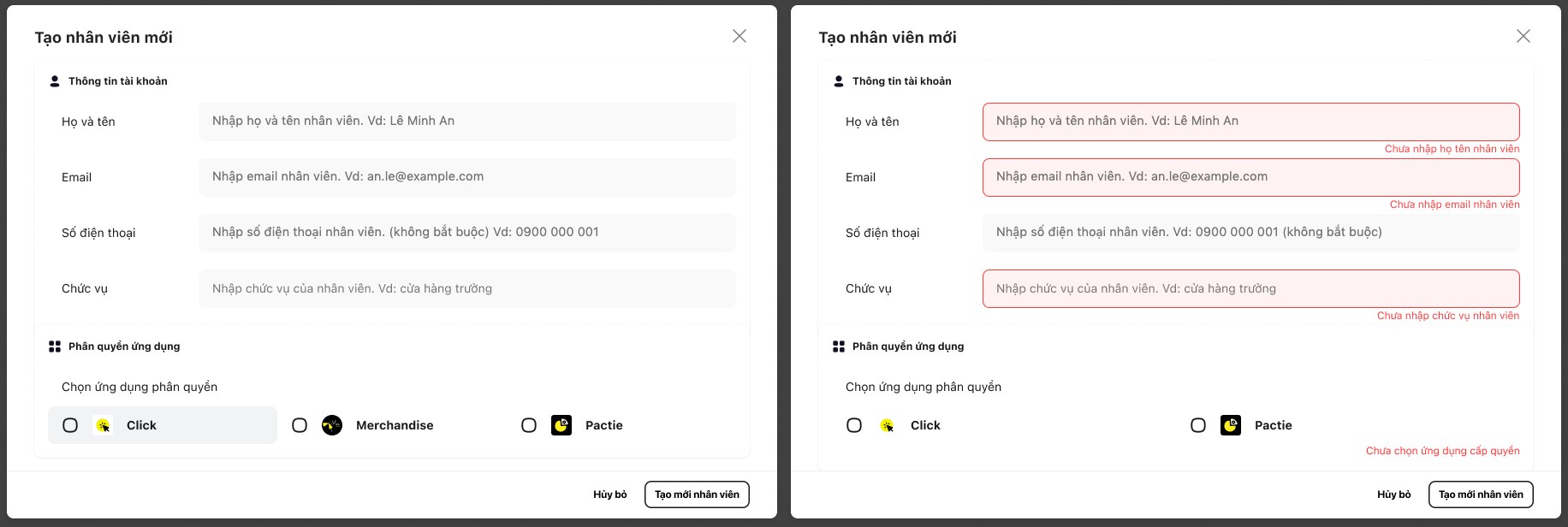
A new staff account: details first, then the apps this person can open. Empty required fields are flagged before saving.
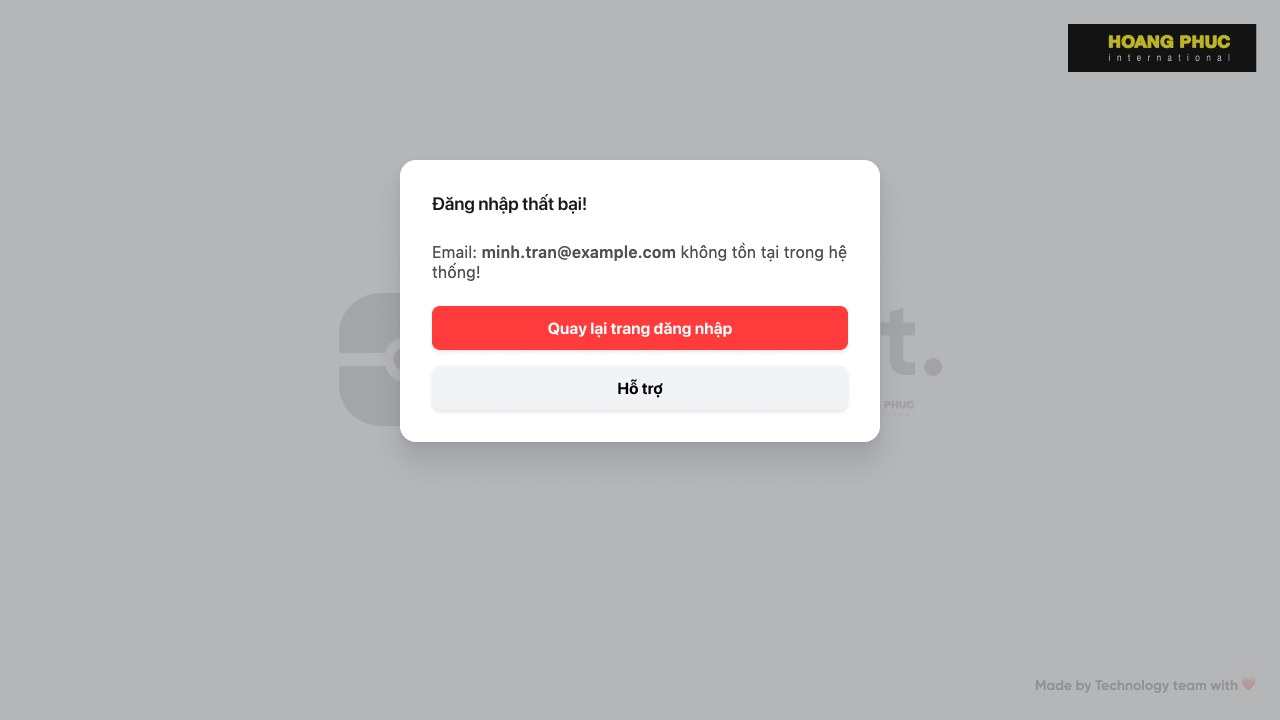
Sign-in stops when the email isn’t registered in the system.
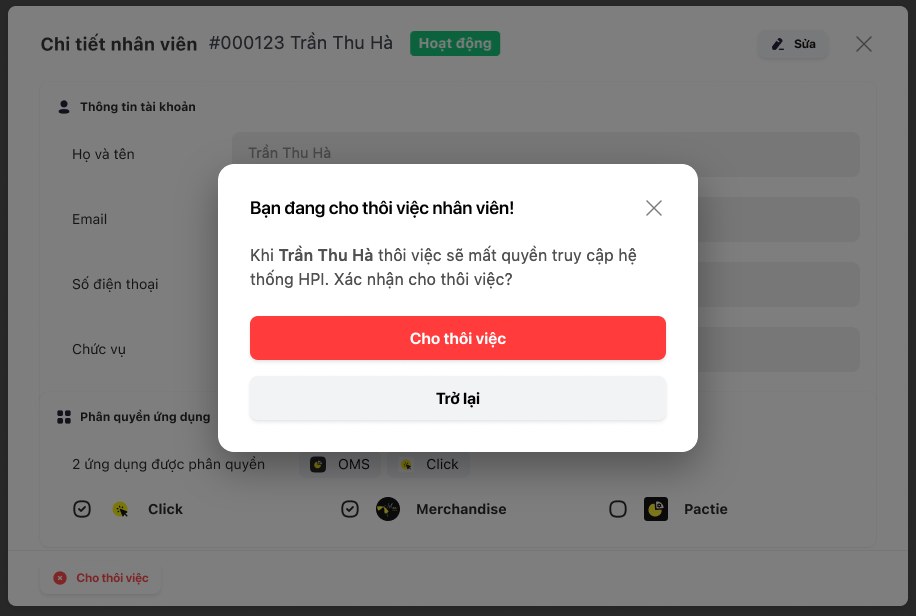
Offboarding asks for confirmation, because the person loses access to HPI’s systems.
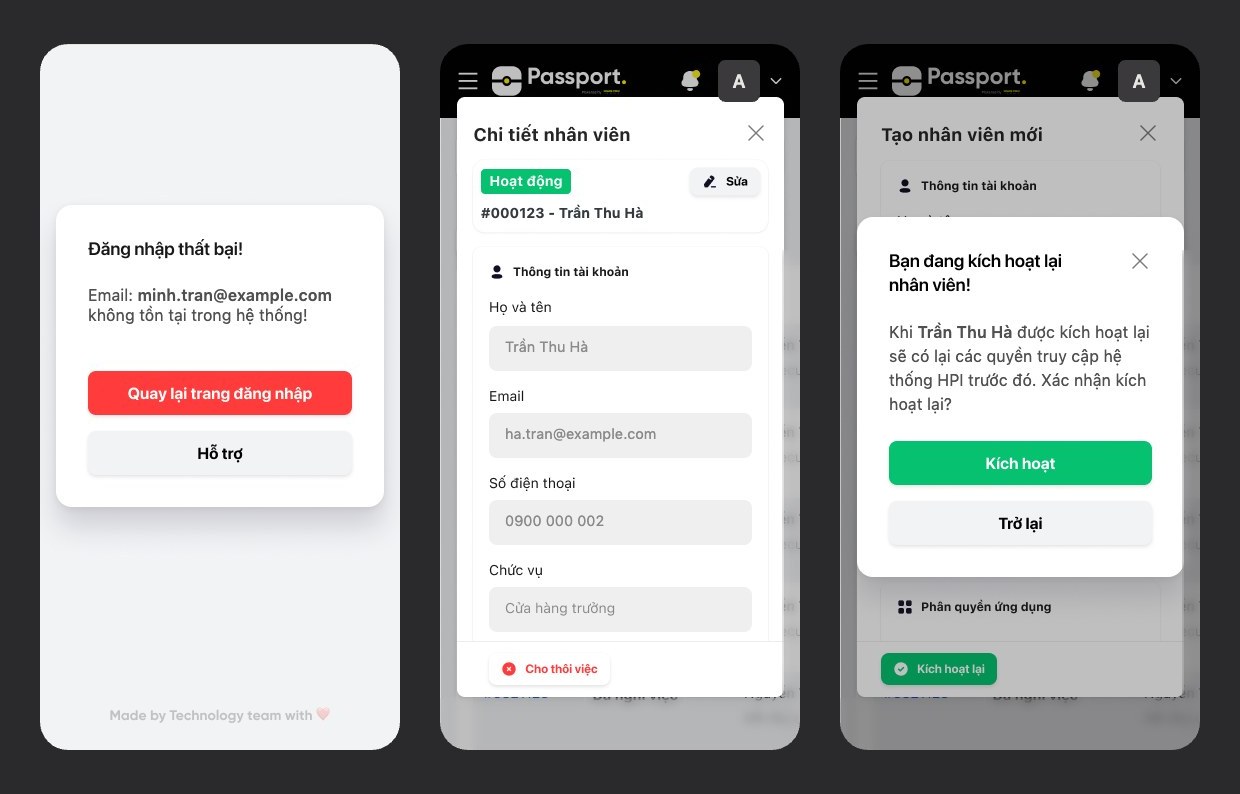
The same flows on mobile web: a failed sign-in, staff details, reactivating an account. Names, emails and staff codes on this page are sample data.
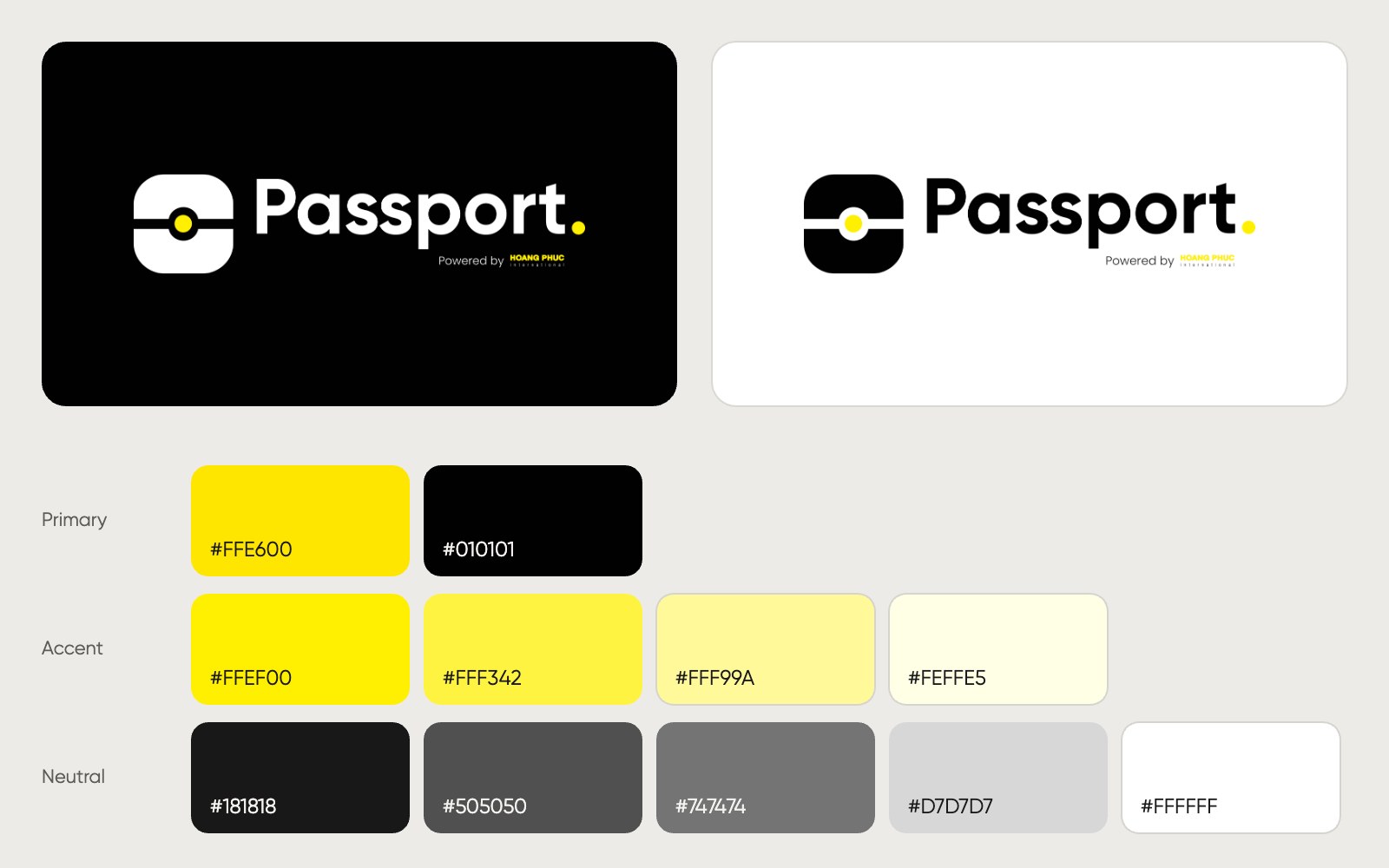
Passport’s own mark on dark and light, with the yellow and black palette it adds on top of Asgard.
Three products I design and build on my own that translate games and videos and read them aloud.